Every country you’ve visited, on one globe
A scratch map shows where you’ve been; it doesn’t show how you got there. Tratto collects every journey you create into one spinning globe: the routes in different colours, the countries you crossed filled in, and the totals — kilometres, days, countries.
It updates by itself as you add trips, and it lives in your browser: no account needed.
Create your poster — free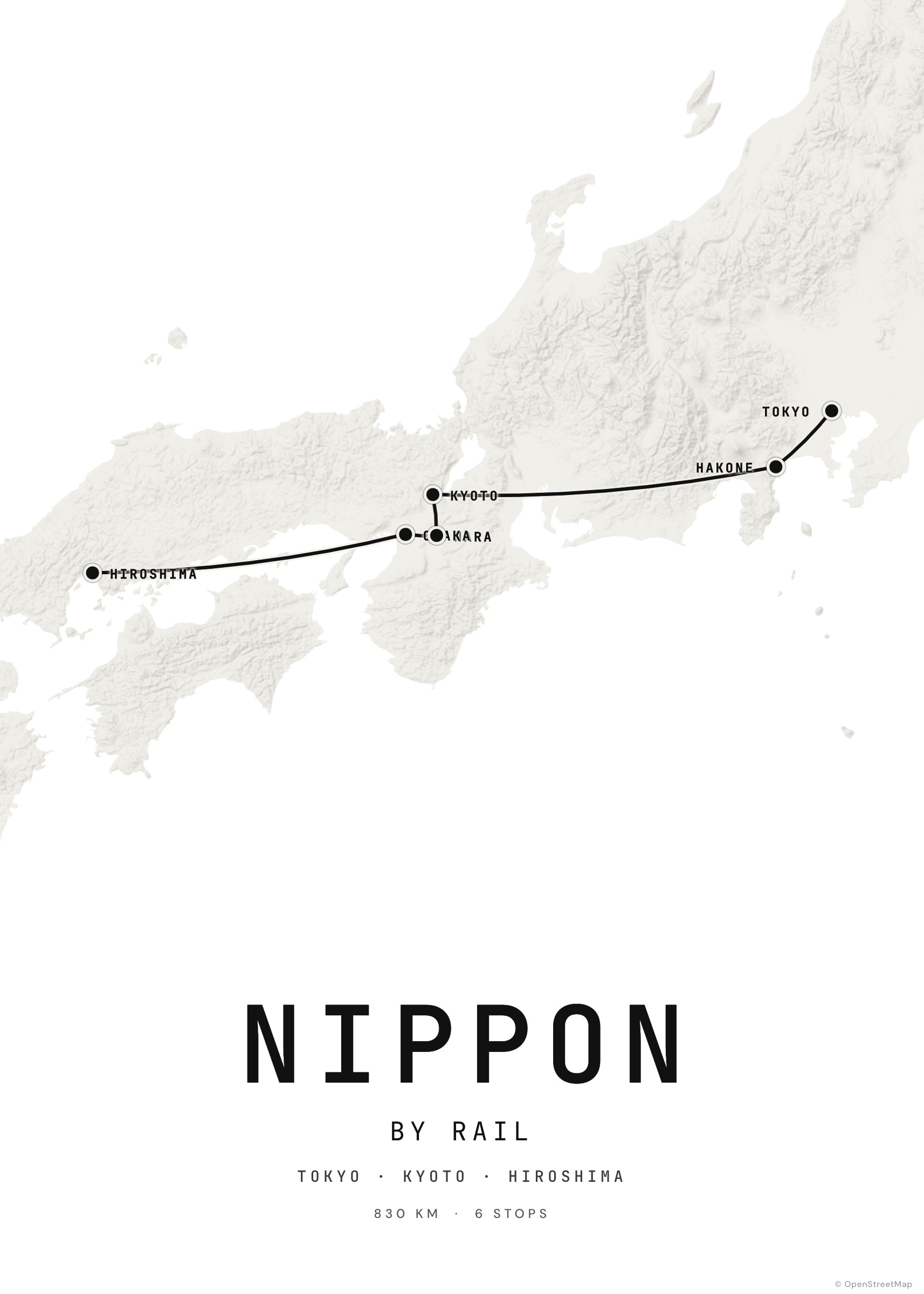
How it works
Create your journeys
One poster per trip, in the studio. Each one is saved automatically.
Open My journeys
All journeys appear on the globe; countries are detected from the routes.
Explore
Hover a route to highlight it, sort by date or distance, search by place.
Back it up
Download a backup file to move your journeys to another device.
More than pins
Because Tratto knows the route, it counts the countries you drove or walked through — not just the ones where you slept. A road trip from Paris to Rome lights up France and Italy, even if you only slept in a few cities.
From globe to wall
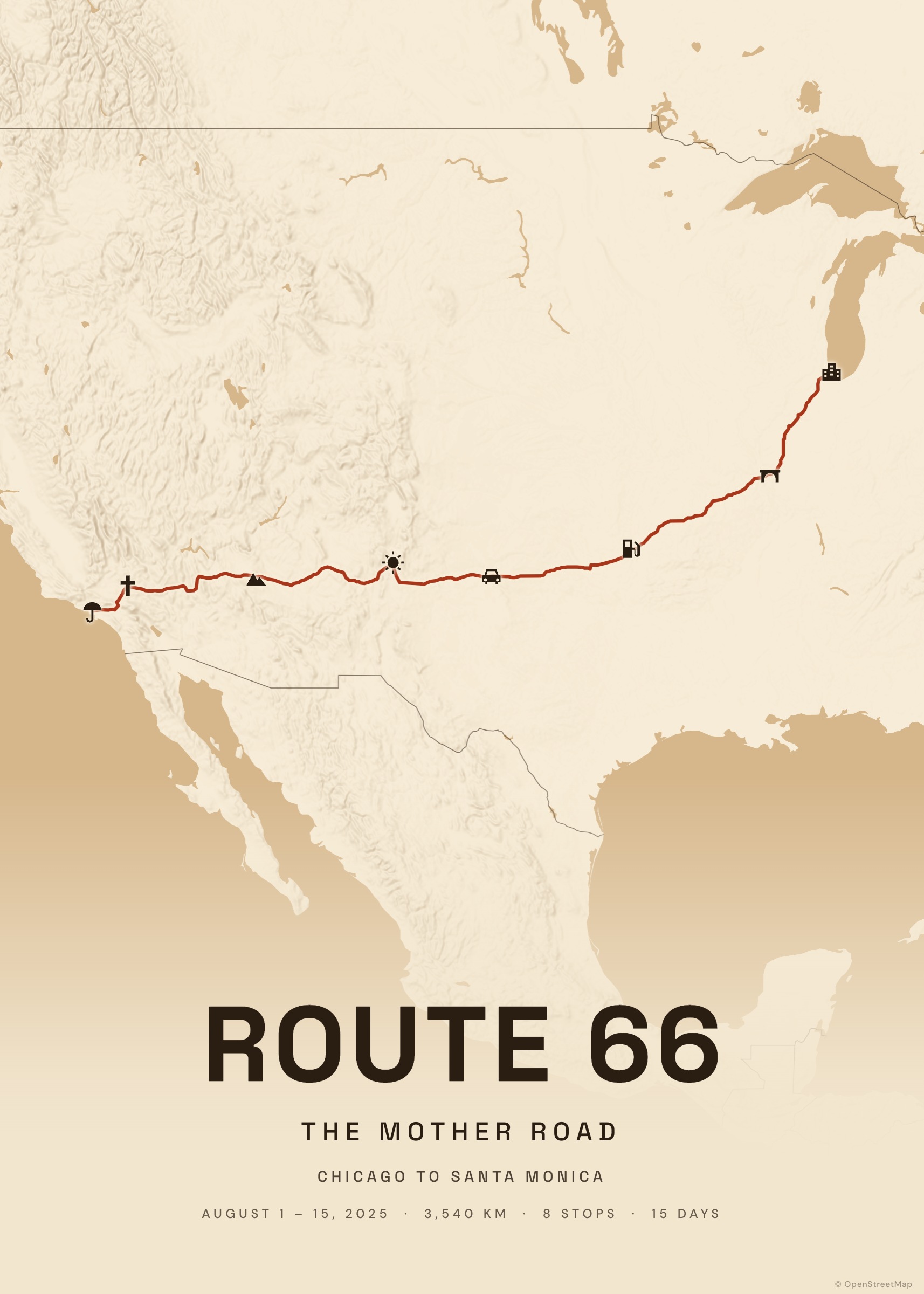
Any journey on the globe opens in the studio, ready to become a poster.
Examples to start from
Frequently asked questions
Is it really free?
Yes, it’s free and there is no limit on the number of journeys.
Where are my trips stored?
In your browser (IndexedDB). Use “Download backup” to keep a copy or move them.
How are countries detected?
Each route is checked against country borders from Natural Earth, directly in your browser.