From a Google Maps route to a poster in a minute
You probably planned the trip in Google Maps already. Copy the directions link, paste it into Tratto, and every stop arrives in the right order — ready to become a poster with your own colours, title and photos.
Short links from the Google Maps app (maps.app.goo.gl) work too.
Create your poster — free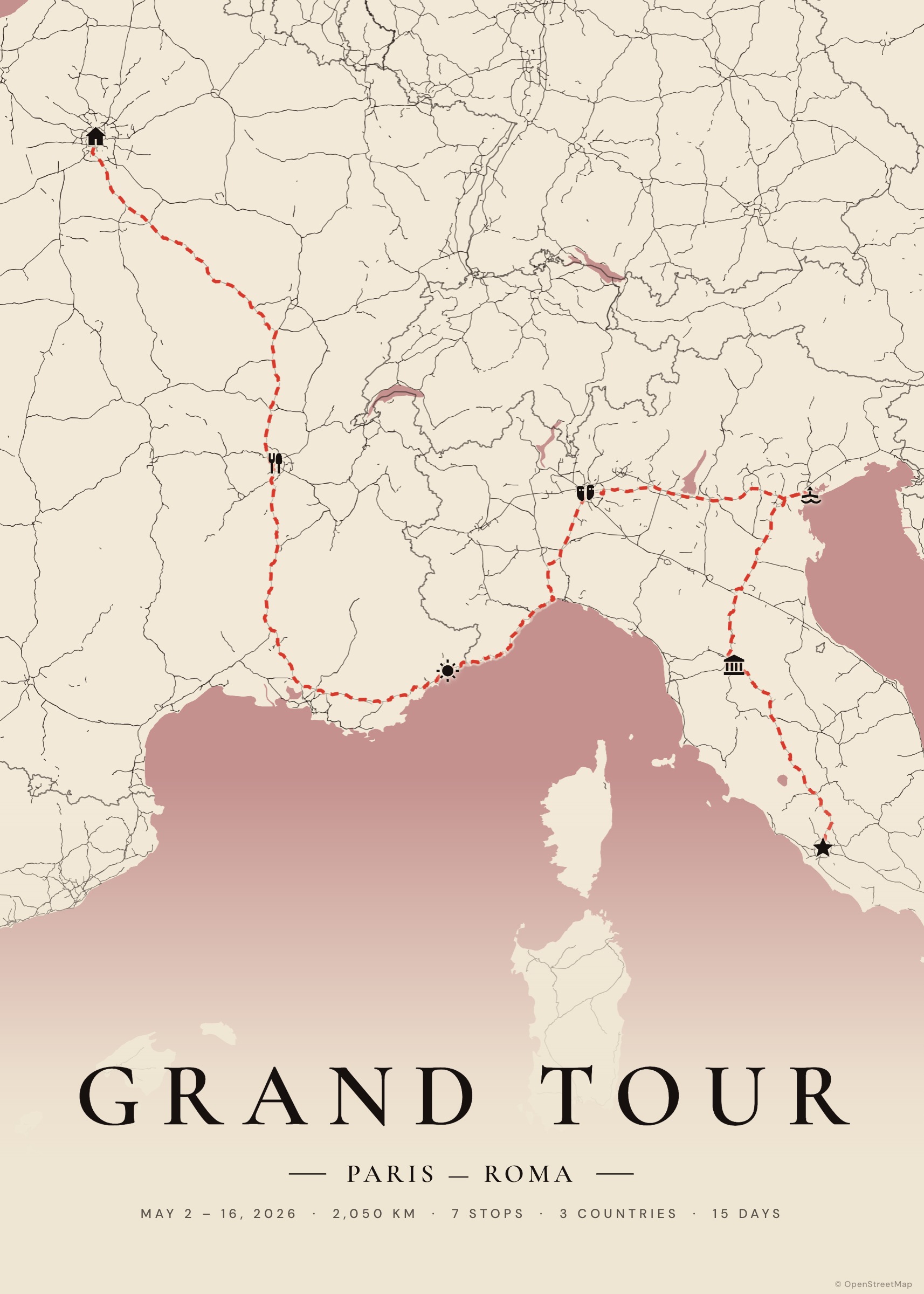
How it works
Copy the link
In Google Maps, open your directions with all the stops and use Share → Copy link.
Paste it
Paste it into the search box of the studio, or in Import → Google Maps link.
Adjust
Rename stops, change the mode of transport of a leg, add dates and photos.
Download
PDF for print or PNG/JPG for sharing.
Why not just print Google Maps?
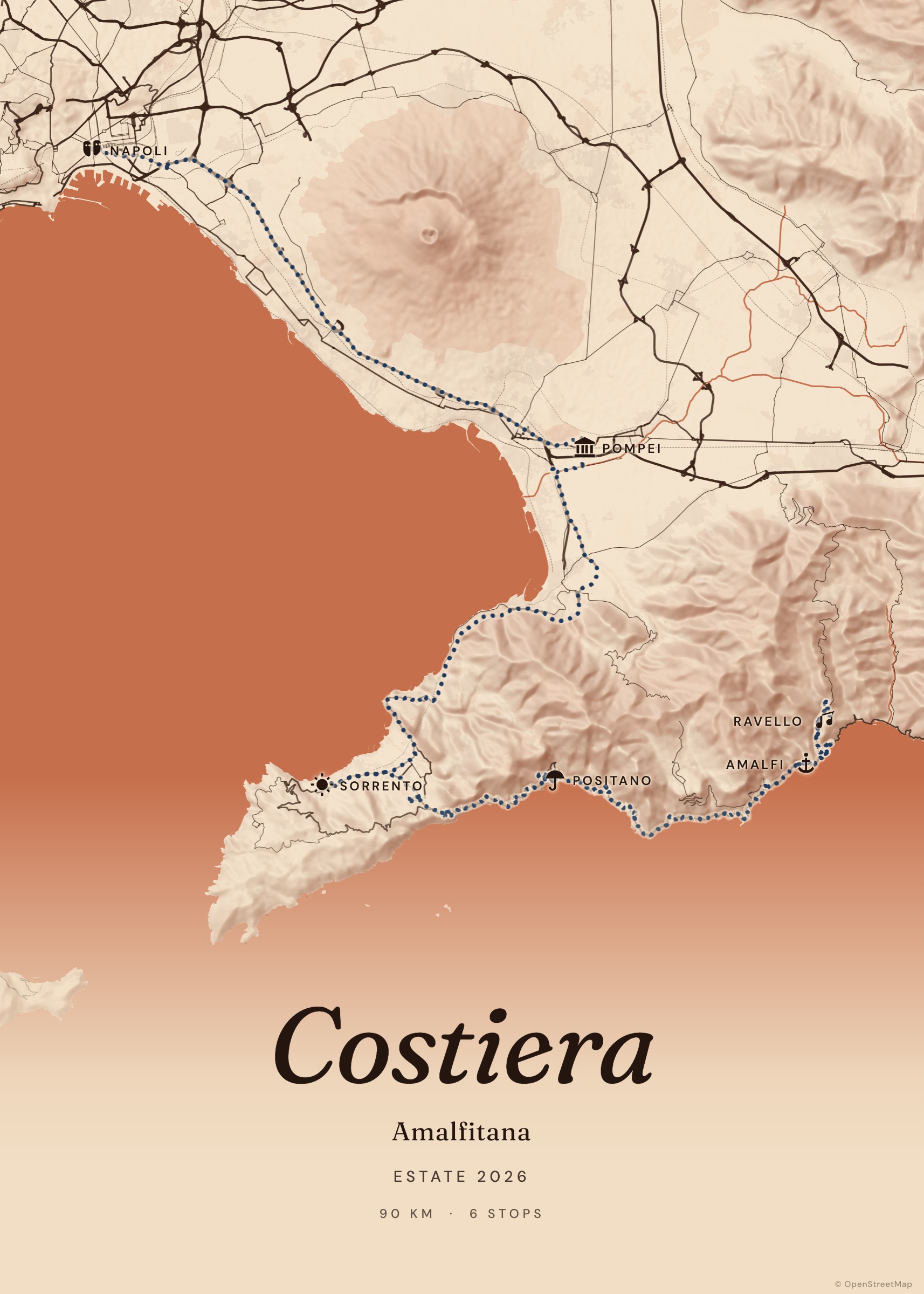
A screenshot of a navigation app looks like a navigation app. Tratto redraws your itinerary as a cartographic poster: twelve hand-tuned palettes, relief, typography made for walls, and a layout that leaves room for a title.
Tips
Google Maps limits directions to 10 stops; for longer trips, import a second link choosing “Add after”. Saved places lists aren’t directions: open them as a route first, or search the places directly in Tratto.
Examples to start from
Frequently asked questions
Does it work with short links?
Yes, links like maps.app.goo.gl/… are expanded automatically.
What if a stop can’t be found?
Tratto tells you which stops it skipped; search them by name or click them on the map.
Can I use My Maps?
Yes: export your Google My Maps map as KML and import the file.